The whole game, one record

Open clean. Run calm.
Close with answers.

ConcessionStand.ai gives each home game one operational record. The adult manager sees the next required action; teenage volunteers see only the simple task in front of them. Opening counts, phone tests, volunteer arrivals, live exceptions, attendance, weather, and closeout stay connected instead of becoming separate documents.

A guided opening sequence

Start with a readiness check that looks at real setup: the game must be verified, products and count zones must exist, starting inventory must be approved, required adults must be scheduled, and payment phones must be tested. The opening sequence then moves the manager through physical inventory, station assignment, QR check-in, and stand-open confirmation without asking teenagers to interpret a long binder.

A live command center

During service, the selected game follows every button. Managers can record a purchase, in-kind donation, waste, complimentary item, or stock transfer without choosing the event again. Low-stock products, pickup orders, volunteer attendance, and unresolved payment exceptions surface in one place. The interface uses large targets and plain language because a loud counter at halftime is not the place for tiny menus.

A closeout that can be reviewed

Closing inventory is compared with opening inventory and recorded movements. Zeffy payments, QR pickup orders, refunds, reported attendance, and weather context feed the game record. The treasurer reviews exceptions before the event is locked. Nothing disappears when the season changes, so the next team can learn what sold and where margin leaked.

Practice before the crowd arrives

Create a safe test game, walk a new manager through opening and closing, simulate orders, test volunteer check-in, and confirm every Tap to Pay phone. Practice records are excluded from season fundraising totals. That makes training concrete without contaminating the financial report.

What the system preserves

Simple at the counter.
Serious underneath.

Teen-simple workflows can still create adult-grade records when the logic is designed around the event.

01

One selected event

Dates, opponents, venue, staffing, counts, orders, and closeout stay joined.

02

Role-appropriate screens

Managers see exceptions; volunteers see the next clear action.

03

Test mode

Rehearse the stand without altering live reports.

04

Durable seasons

Game records remain available after the schedule changes.

Straight answers

Common questions

Does the iPad take Tap to Pay?

No. The counter iPad runs the operating portal. Tap to Pay remains on each cashier’s compatible NFC phone in the payment provider’s app.

Can teenage volunteers use the system?

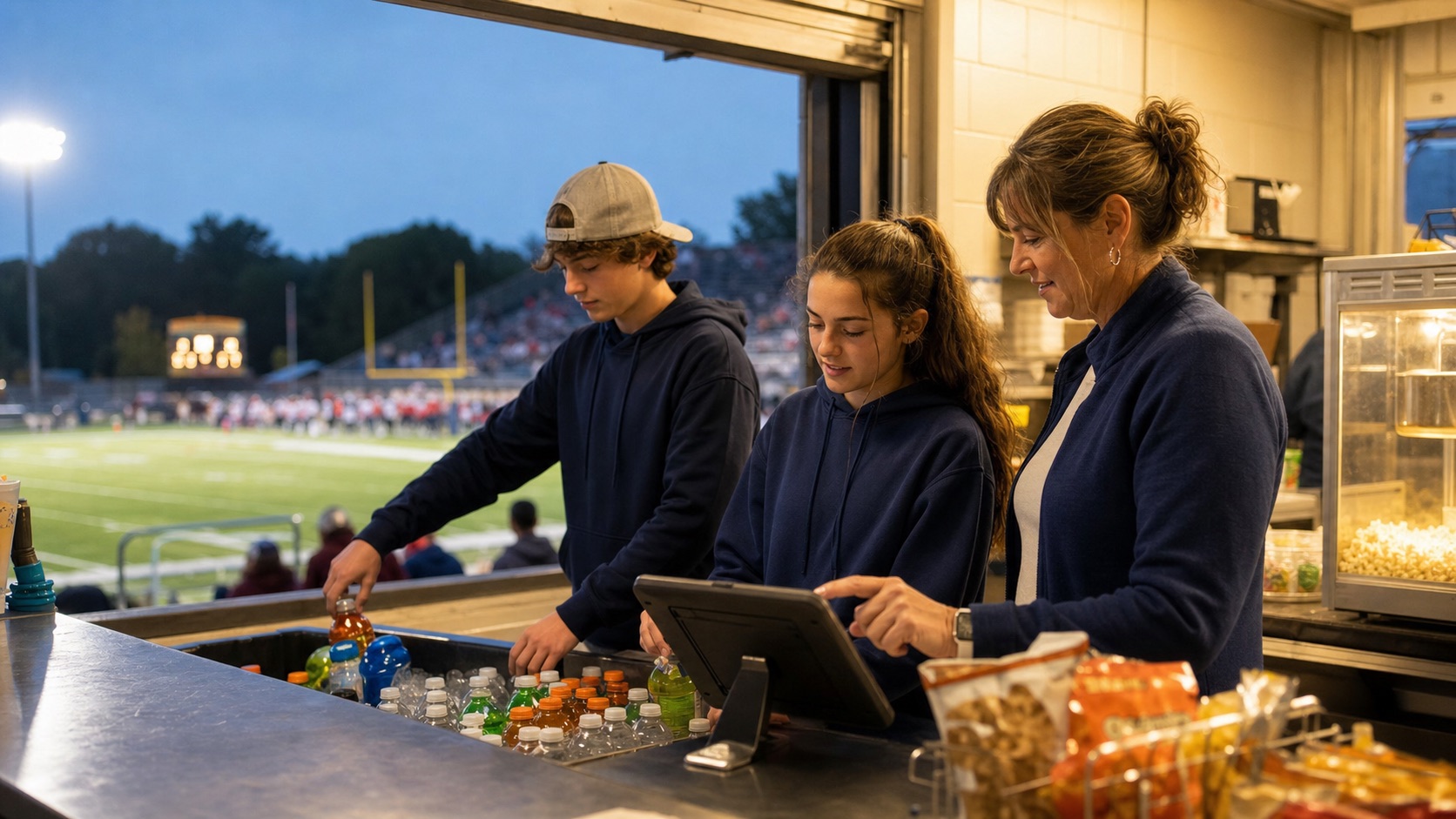
Yes. Workflows are deliberately designed with large buttons, short instructions, constrained choices, and adult-only controls for security and reconciliation.

What happens if stadium internet is unreliable?

The opening plan includes device and network testing. Operational pages are lightweight, and managers retain a documented fallback checklist. Payment availability still depends on the selected payment provider and device connection.

Ready to make the next game easier?

Tell us how your stand works today. We’ll map the fastest path from spreadsheets and group texts to a calm, accountable game night.