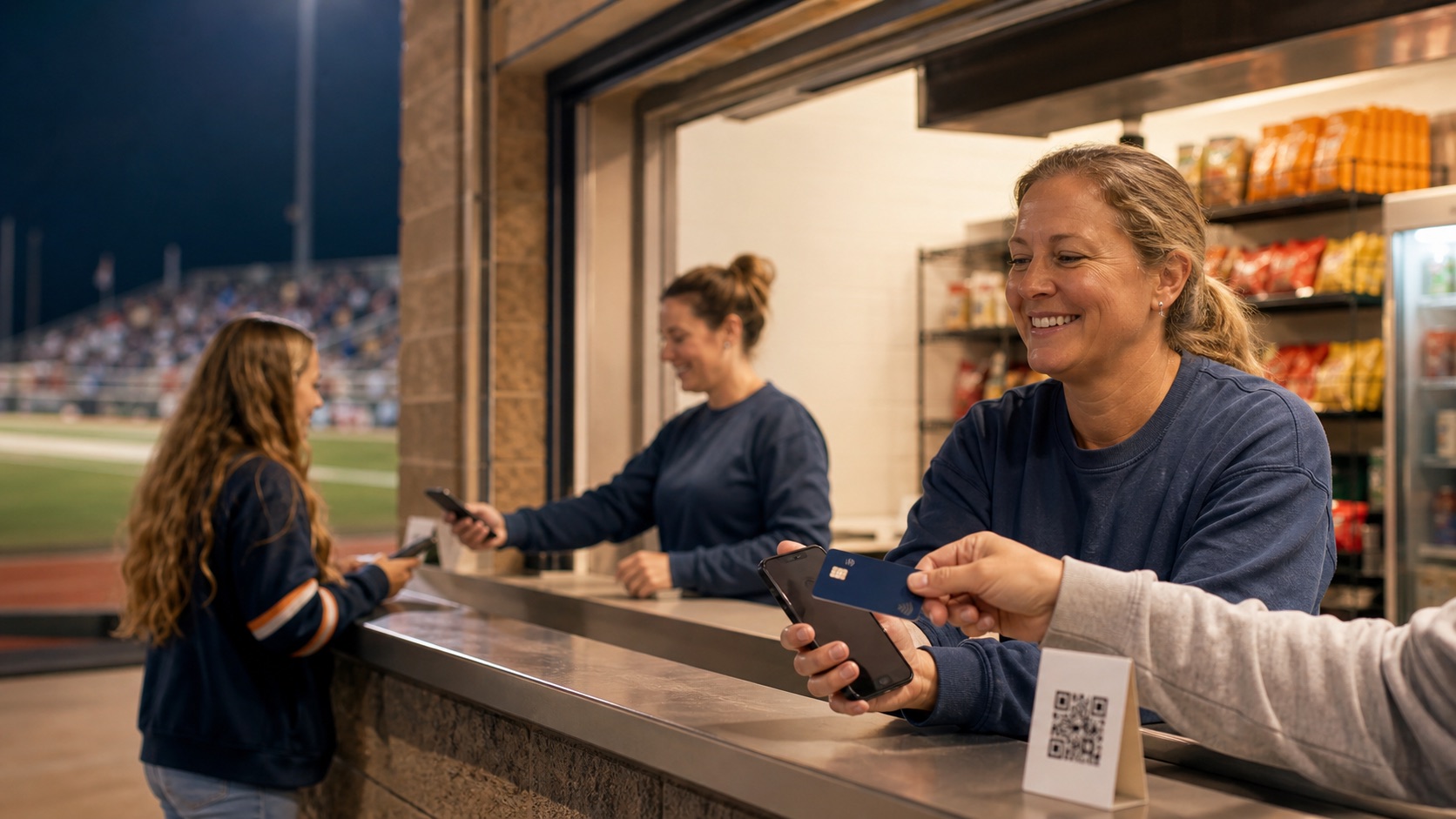
Give each adult cashier a separate Zeffy login on a compatible phone. They choose the concession items, the customer taps a card, phone, or watch, and the sale is done. ConcessionStand.ai keeps the game, inventory, volunteers, QR pickup, and closeout organized around those payments without storing card data.
For eligible nonprofits using Zeffy. Zeffy is funded through optional buyer contributions, which are separate from the concession price and can be changed to $0. Provider eligibility and terms may change.
School-owned credentials
An Athletic Director or Booster Club administrator creates the Zeffy organization and campaigns, generates an API key, and verifies it during onboarding. The API key is encrypted on the server and scoped to that school. Each school has a unique webhook route and campaign mapping.
Turn each compatible phone into a checkout
Invite the adult cashier as an individual Zeffy user. They download the app, sign in, choose the concession form and items, and accept the customer’s contactless card, phone, or watch directly on their phone. Buyer details can be skipped for a faster line when the form is configured that way. There is no reader to pair and no shared password to manage.
Let customers order by QR code
Administrators set the hosted store, pickup window, queue limit, warning time, closing cutoff, staffing, and test checks before ordering opens. Fans scan the code from the stands, choose and pay for food in their browser, then bring the order reference to express pickup. No customer app download is required.
Exceptions stay visible
An unmatched campaign, missing pickup reference, unmapped product, prohibited payment type, refund, or payment outside a clear game window becomes a review item. The portal never silently guesses which game or inventory movement should receive a questionable transaction.
What the system preserves
Easy tasks backed by a complete game record.
Teenage volunteers get short instructions. Adult leaders get the records they need for closeout.
01
No credit-card fee
Zeffy says eligible nonprofits keep the full sale; optional buyer contributions support Zeffy.
02
Individual users
Temporary adult sellers use separate restricted payment access.
03
Activation gates
QR ordering stays closed until the store, pickup window, staffing, and test order are ready.
04
Exception review
Ambiguous payments are held for an adult decision.
Straight answers
Common questions
Does ConcessionStand.ai include payment processing?
It coordinates and reconciles payment data from a connected provider. For the current implementation, Zeffy processes Tap to Pay and hosted customer checkout.
Does the Booster Club pay a credit-card processing fee?
Zeffy’s current published model says eligible nonprofits pay $0 in platform, transaction, and credit-card fees and keep 100% of the payment. Zeffy is supported by optional buyer contributions, which can be changed to zero. Eligibility and provider terms remain controlled by Zeffy.
Can Tap to Pay run on an iPad?
No. Zeffy states that Tap to Pay requires a compatible NFC phone. The iPad runs the concession operations portal behind the counter.
Can customers order without downloading an app?
Yes. The planned customer flow uses a QR code to open the school’s hosted ordering page in the phone browser.
Ready to make the next game easier?
Tell us how your stand works today. We’ll map the fastest path from spreadsheets and group texts to a calm, accountable game night.